ERP Settings
Manage Custom Price Attributes
- Navigate to Settings, click on the ERP tab, and then click on Custom Prices.
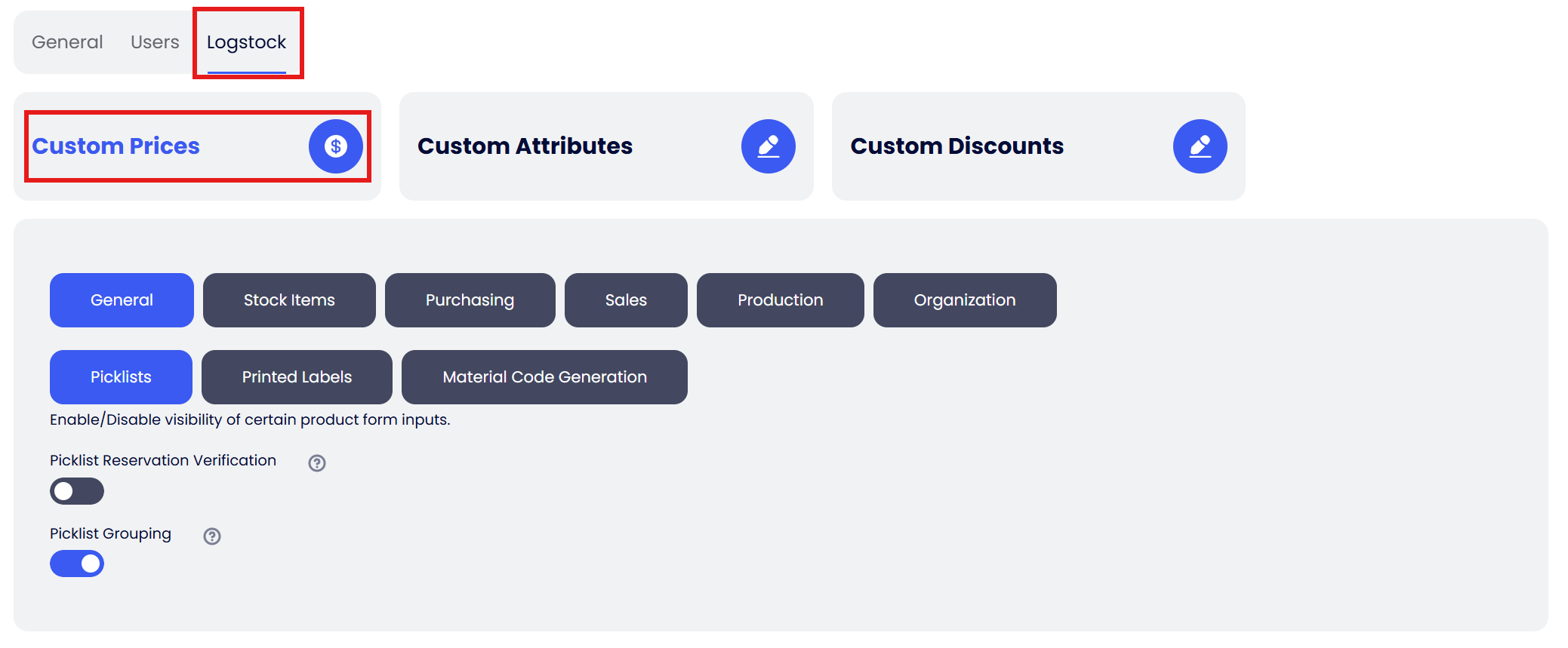
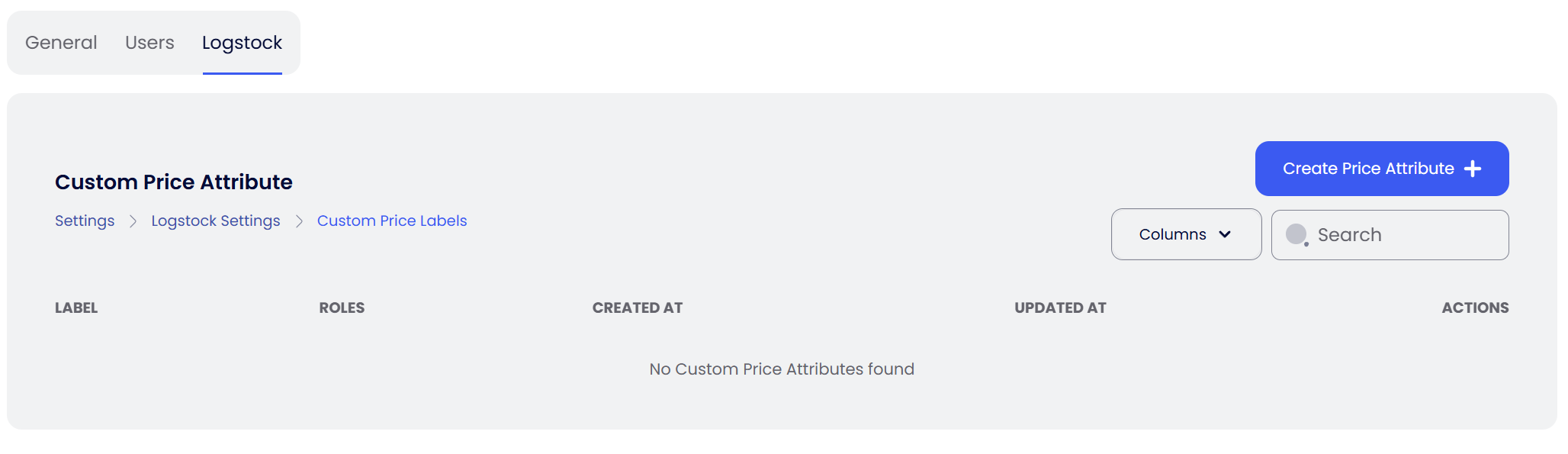
- You will now be on the Price attributes list page. Click the Create Price Attribute button.
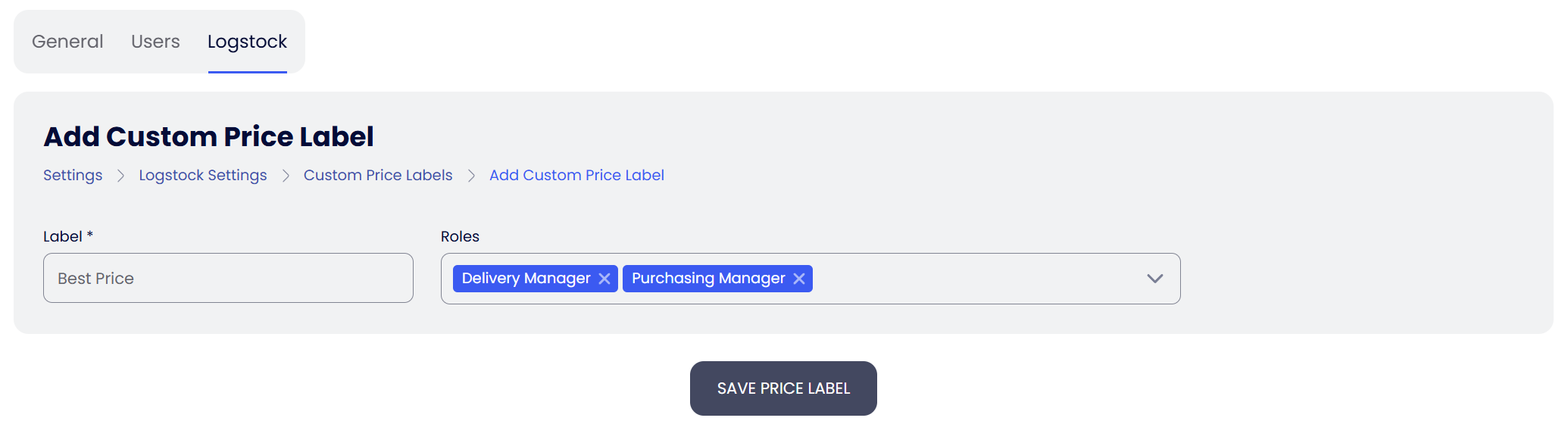
- Fill out the form and click Save Price Label.
info
You can assign multiple roles to your custom price attribute. Only users with these roles will be able to see these custom price fields across ERP. See Roles & Permissions to learn how roles are created and managed.
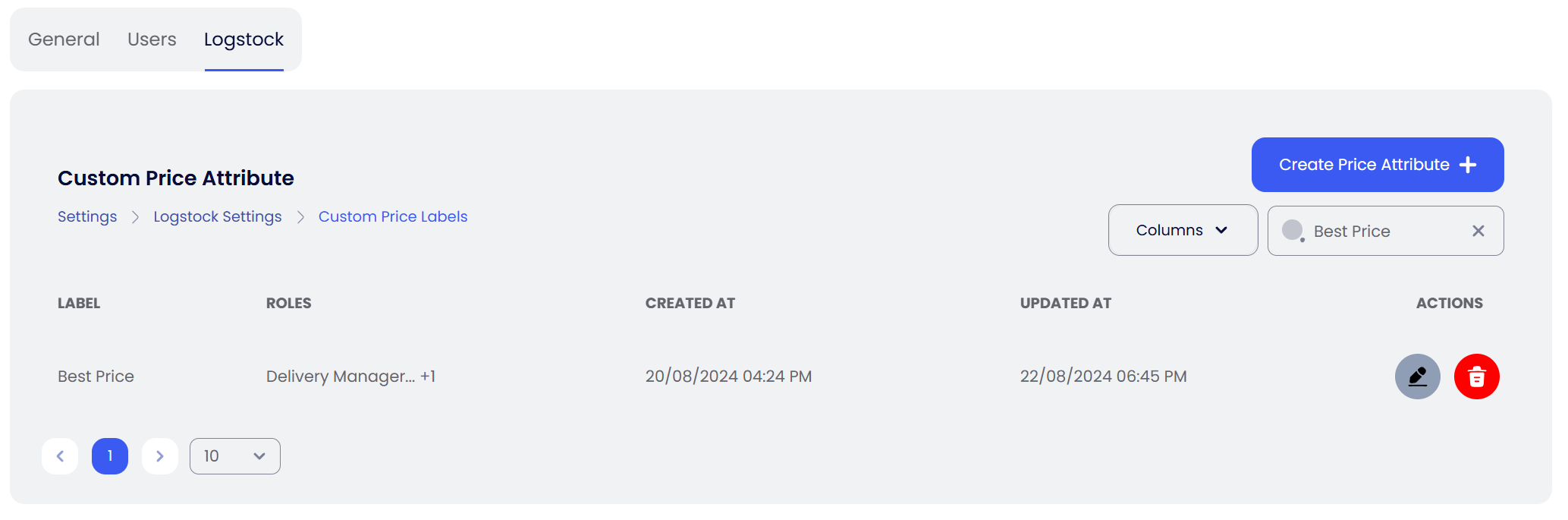
- Once saved, this price attribute field will be available in entities like Sales Product Catalog, Quotes, and Customer Orders.
Manage Custom Attributes
- Navigate to Settings, click on the ERP tab, and then click on Custom Attributes.
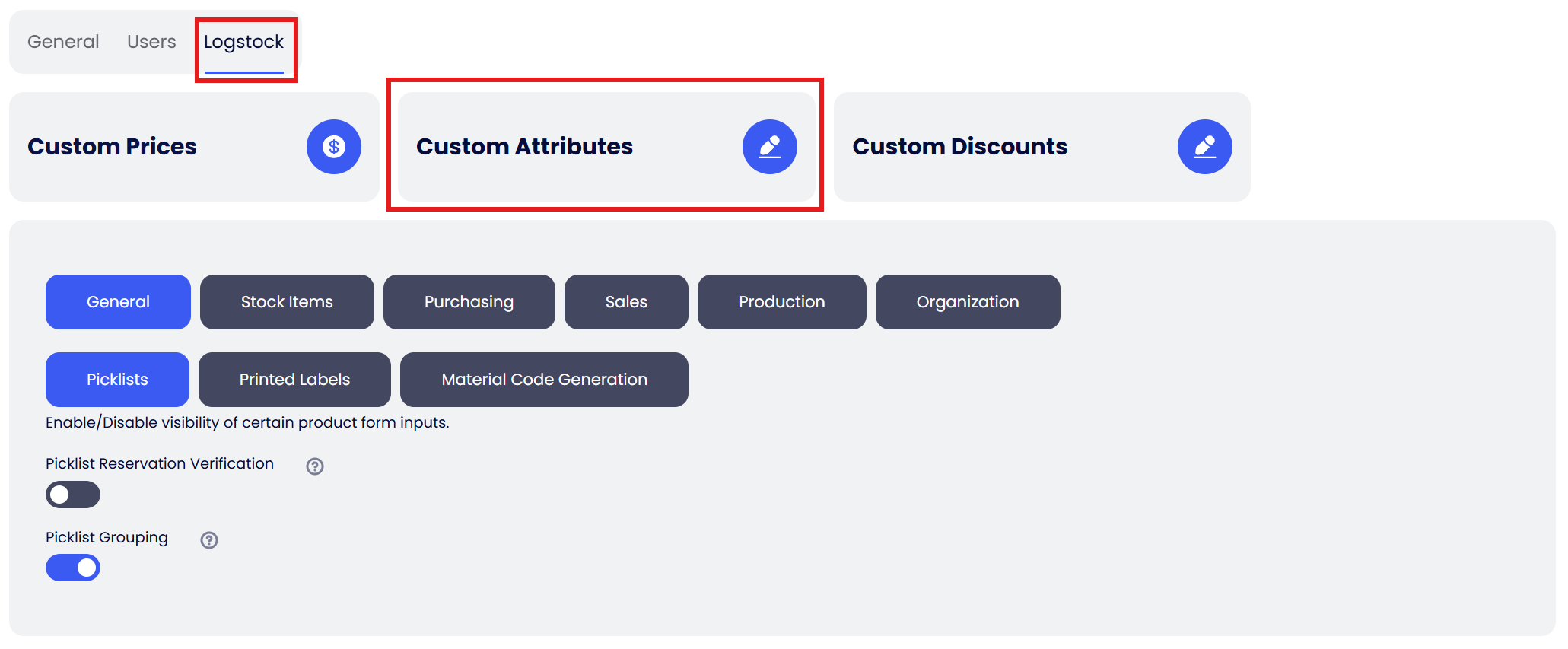
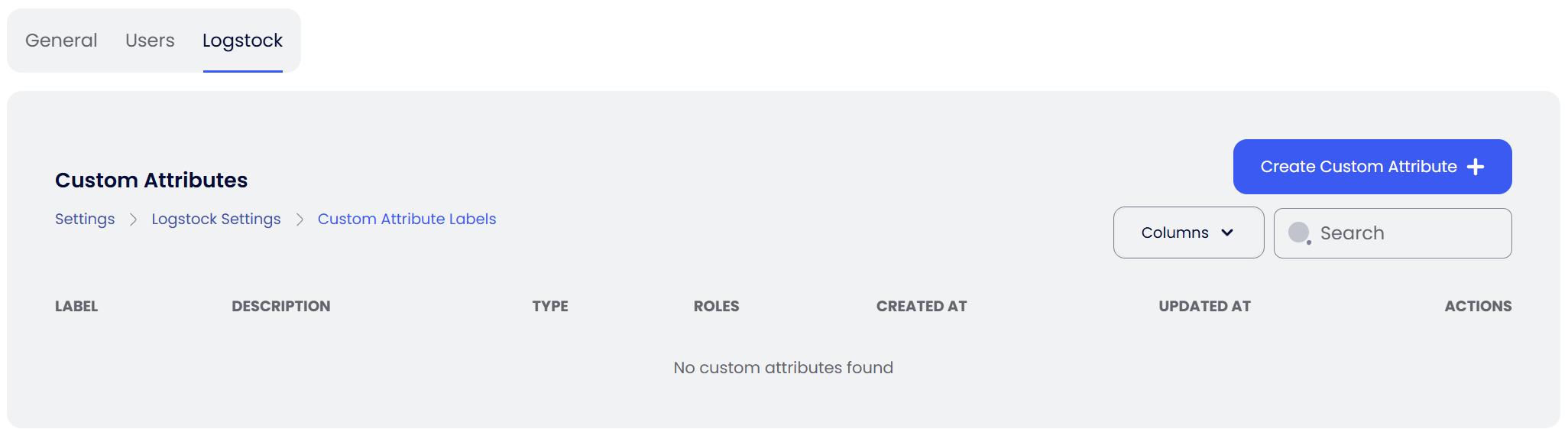
- You will be on the Custom attributes list page. Click Create Custom Attribute.
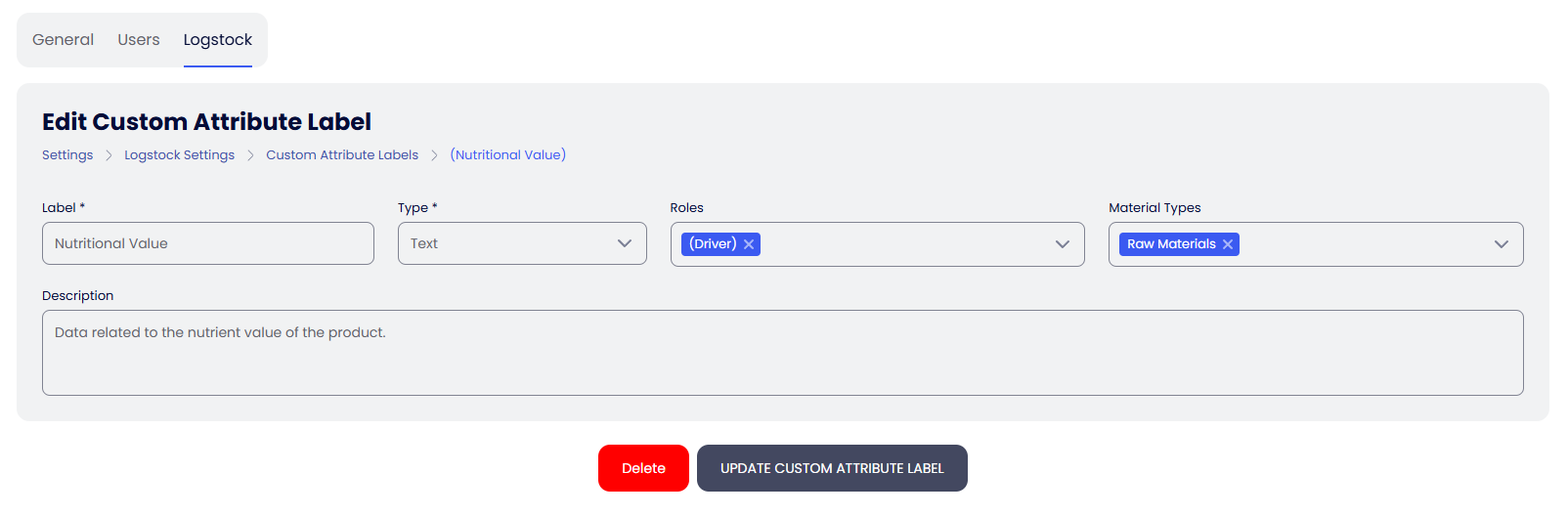
- Fill out the form and click Save Custom Attribute Label. The system currently supports Text, Number, and Boolean (Toggle) attribute types.
info
- You can assign multiple roles to your custom attribute. Only users with these roles will see these fields.
- You can also link multiple product types to your custom attribute.
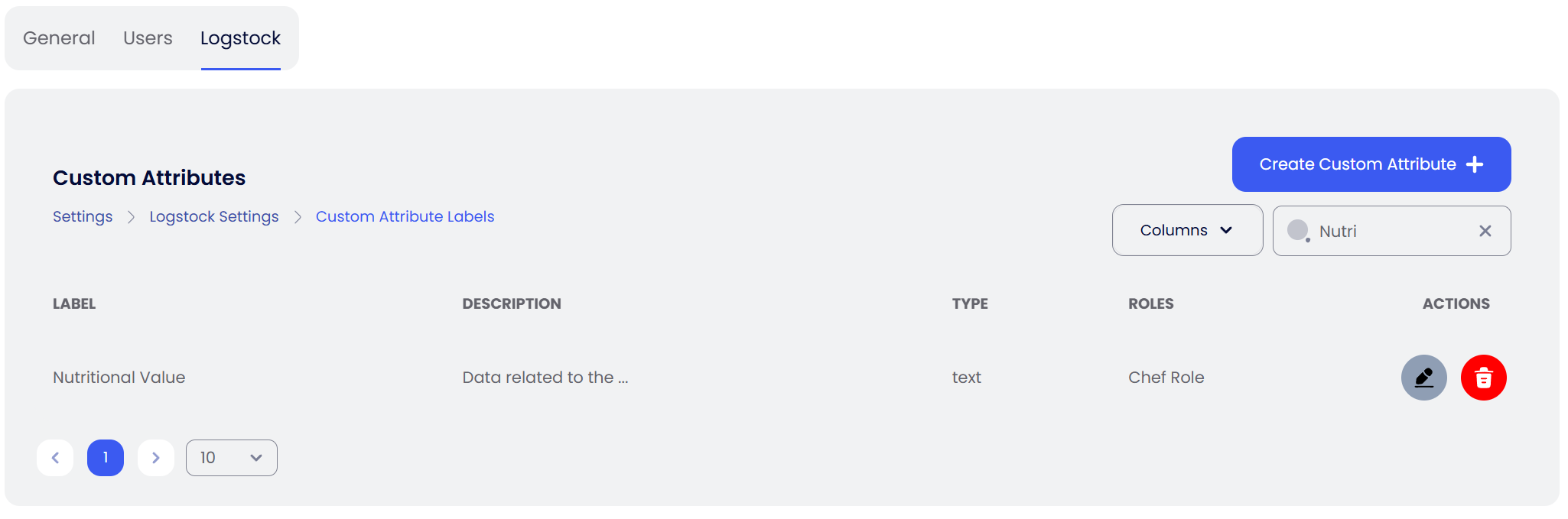
- Once saved, this custom attribute field will be available in the Products form.
How to Use the Material Code Generator
This guide explains how to use the Material Code Generator to create unique codes automatically when no code is provided.
Placeholder Format
Placeholders follow this format: ${{source.field,pad,padWith}}
- Source and Field:
source.fieldtells the system where to get the information (e.g.,material.description). - Pad (Optional): Minimum number of characters (default: 3).
- Pad With (Optional): Character used for padding (default: X).
Special Placeholder: Sequence Generator
The sequence generator, ${{seqGen(),pad,padWith}}, creates a number that increases every time a similar code is generated. It defaults to a minimum length of 3, padded with 0.
Default Code Format
By default, the system uses this format to generate codes: