Activity Logs
🧾 Activity Logs in the IoT Server Dashboard show management-side changes across devices, controls, areas, templates, alerts, and users. Use this page to audit who changed what and when.
📍 Accessing Activity Logs
info
This section requires an account with the Admin management role.
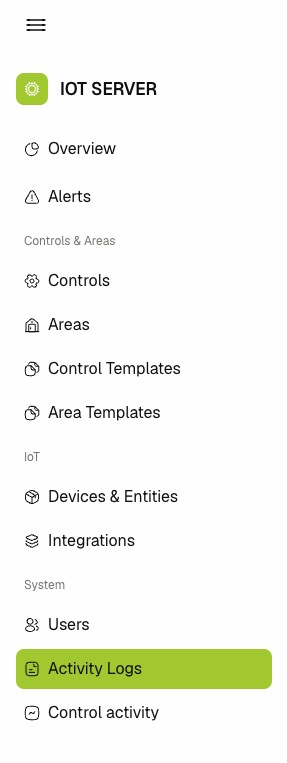
- Log in to the IoT Server Dashboard.
- Open System from the left sidebar.
- Click Activity Logs to open the logs page.
📋 Viewing Activity Logs
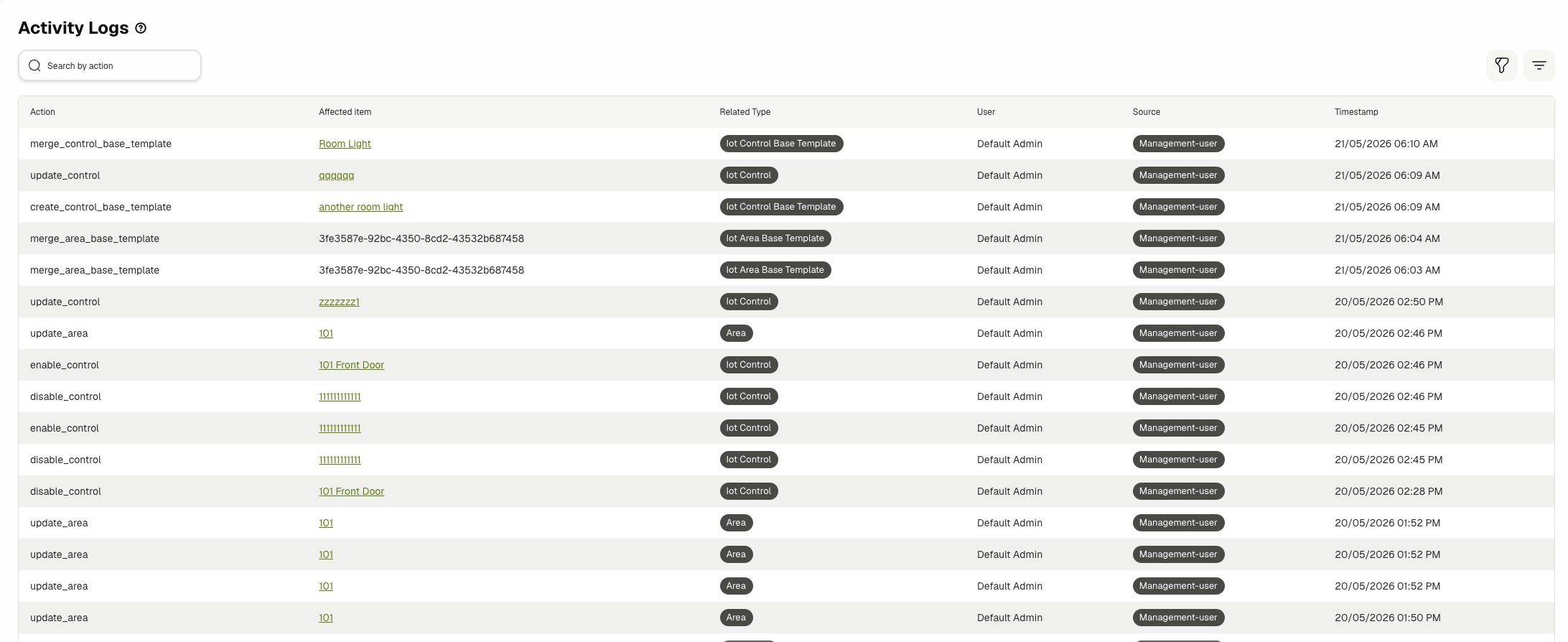
The Activity logs table shows one row per dashboard management action.
The table includes:
- Action — The action key for the recorded operation.
- Affected item — The linked item name or identifier affected by the action.
- Related Type — The item category tied to the action.
- User — The resolved actor display name.
- Source — The actor source type.
- Timestamp — The date and time when the action was recorded.
- Review the Action column to identify what operation happened.
- Click a linked value in Affected item when a row provides navigation.
- Read Timestamp to verify action order during investigations.
🔍 Searching, Filtering, and Pagination
- Enter text in Search by action to find matching actions.
- Use the Related Type filter to narrow logs to one or more entities.
- Click Clear filters to reset all selected filter values.
- Use pagination controls to move through older log entries.
⚙️ Understanding Common Entries
Common action patterns include:
- User management — Actions such as creating, updating, and deleting management users.
- Control and area updates — Actions such as create, update, enable, disable, reorder, and delete.
- Template changes — Actions for control and area template creation, update, merge, and removal.
- Alert operations — Actions such as clear, mute, and unmute.
Related Docs
- Devices & Entities — Manage device and entity records that generate activity log entries.
- Users — Manage dashboard accounts whose actions appear in activity logs.
- Control Activity — Review runtime control commands separately from management actions.
- Integrations — Manage integration lifecycle actions that are reflected in logs.