Control Activity
🎛️ Control Activity in the IoT Server Dashboard tracks runtime commands executed on IoT controls. Use this page to audit command history such as turning on lights, changing HVAC settings, or activating scenes.
📍 Accessing Control Activity
info
This page is available to authenticated management users. Access is typically used by Admin, Engineer, and Operator roles.
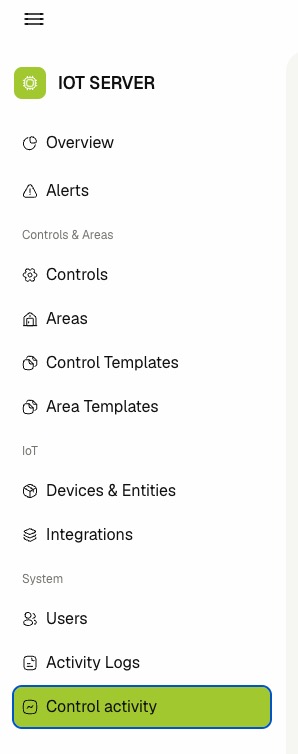
- Log in to the IoT Server Dashboard.
- Open System from the left sidebar.
- Click Control activity to open the events list.
📋 Viewing Control Activity
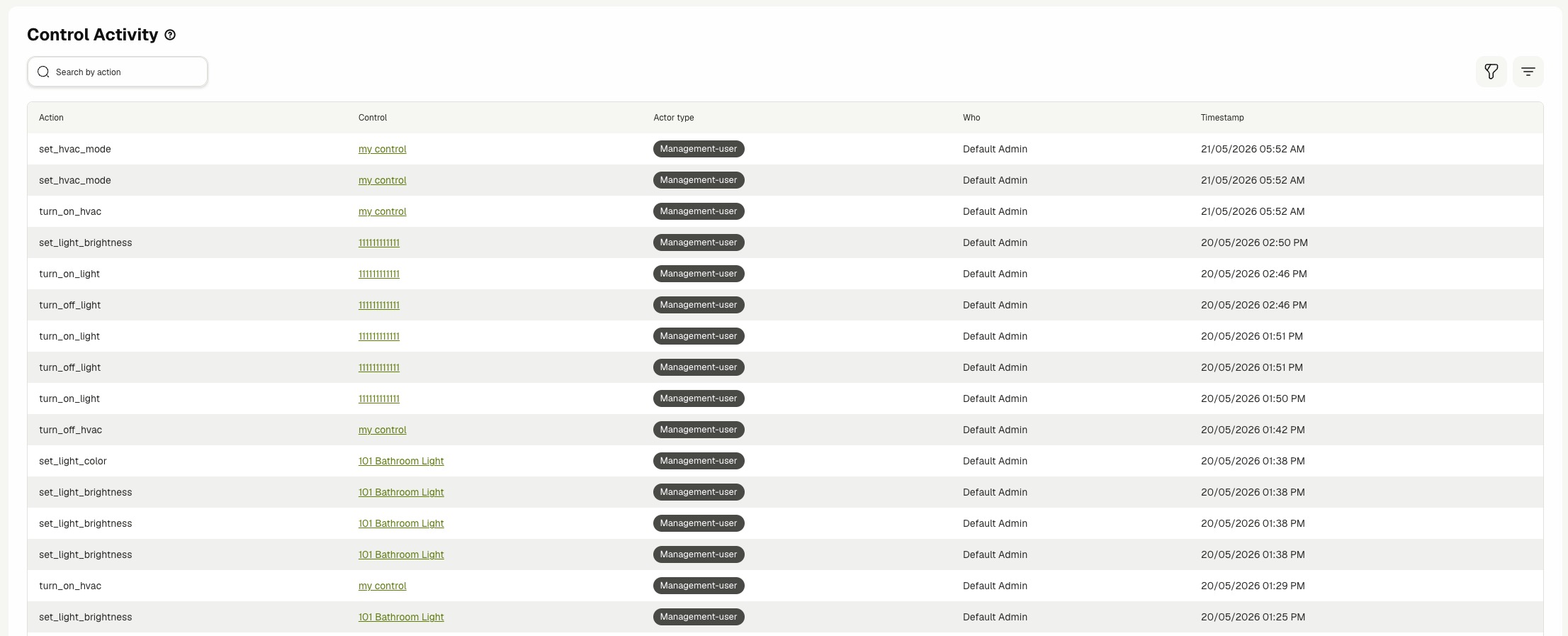
The Control activity table shows one row per recorded control command.
The table includes:
- Action — The executed command key.
- Control — The control name, with link to control details when available.
- Actor type — The source type that triggered the command.
- Who — The resolved display name of the actor when available.
- Timestamp — The date and time when the command was logged.
- Review Action to identify the exact command type.
- Click a value in Control to open that control's details page.
- Review Who and Actor type to understand who triggered the command.
🔍 Searching, Filtering, and Pagination
- Enter text in Search by action to find specific command events.
- Use the Actor type filter to narrow the list by source.
- Click Clear filters to reset filter selections.
- Use pagination controls to browse older events.
⚙️ Interpreting Event Data
Use this page to answer common operational questions like:
- Which command was sent to a control.
- Which actor category triggered the command.
- When the command was issued.
Related Docs
- Devices & Entities — Manage inventory records linked to runtime control actions.
- Activity Logs — Review dashboard configuration and management actions.
- Users — Manage dashboard users whose actions can appear in logs.
- Integrations — Monitor integration health alongside control command history.