Translations & Language Switching
🌐 The Guest App supports multiple languages to help guests use the app in the language they understand best. Languages can be selected by hotel staff in advance or switched by guests themselves within the app.
🛠️ Setting a Guest’s Preferred Language (Admin Panel)
-
Log in to the hotel management dashboard.

-
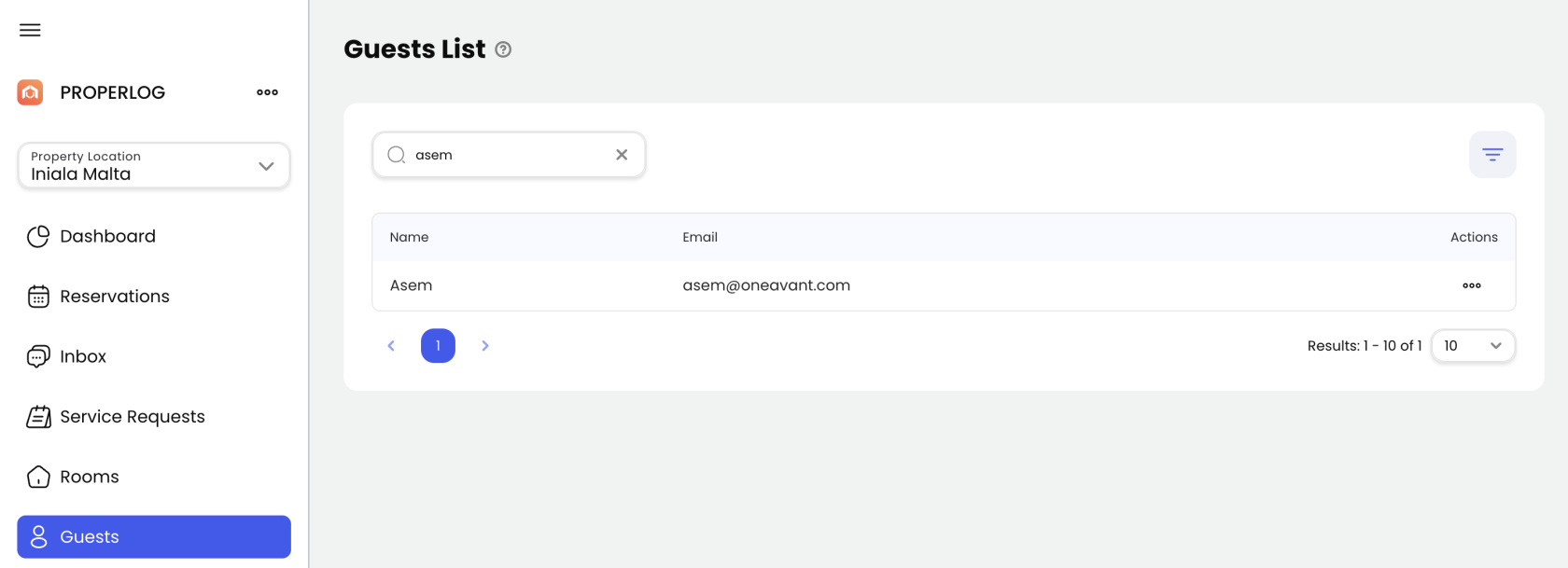
From the sidebar, click on "Guests" to view the guest management table.
-
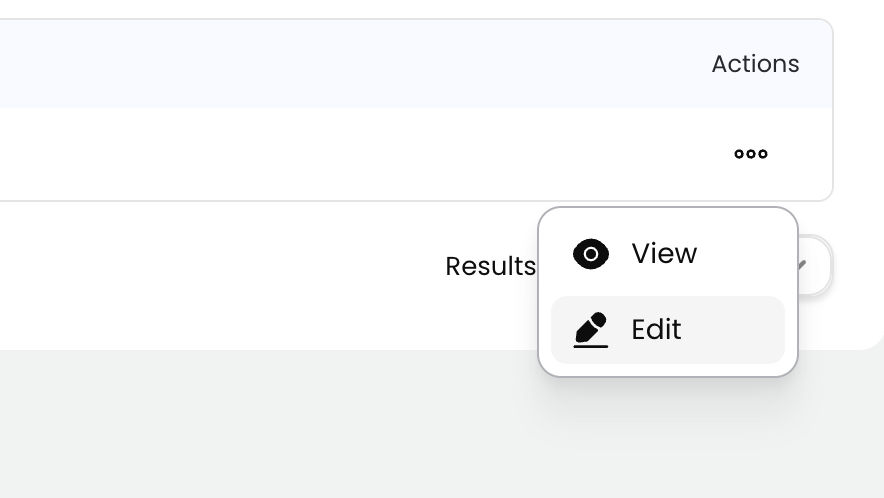
In the row of the relevant guest, click the "More" icon (three vertical dots), then select "Edit" or "View".
-
Use the "Language" dropdown to select the guest’s preferred language.
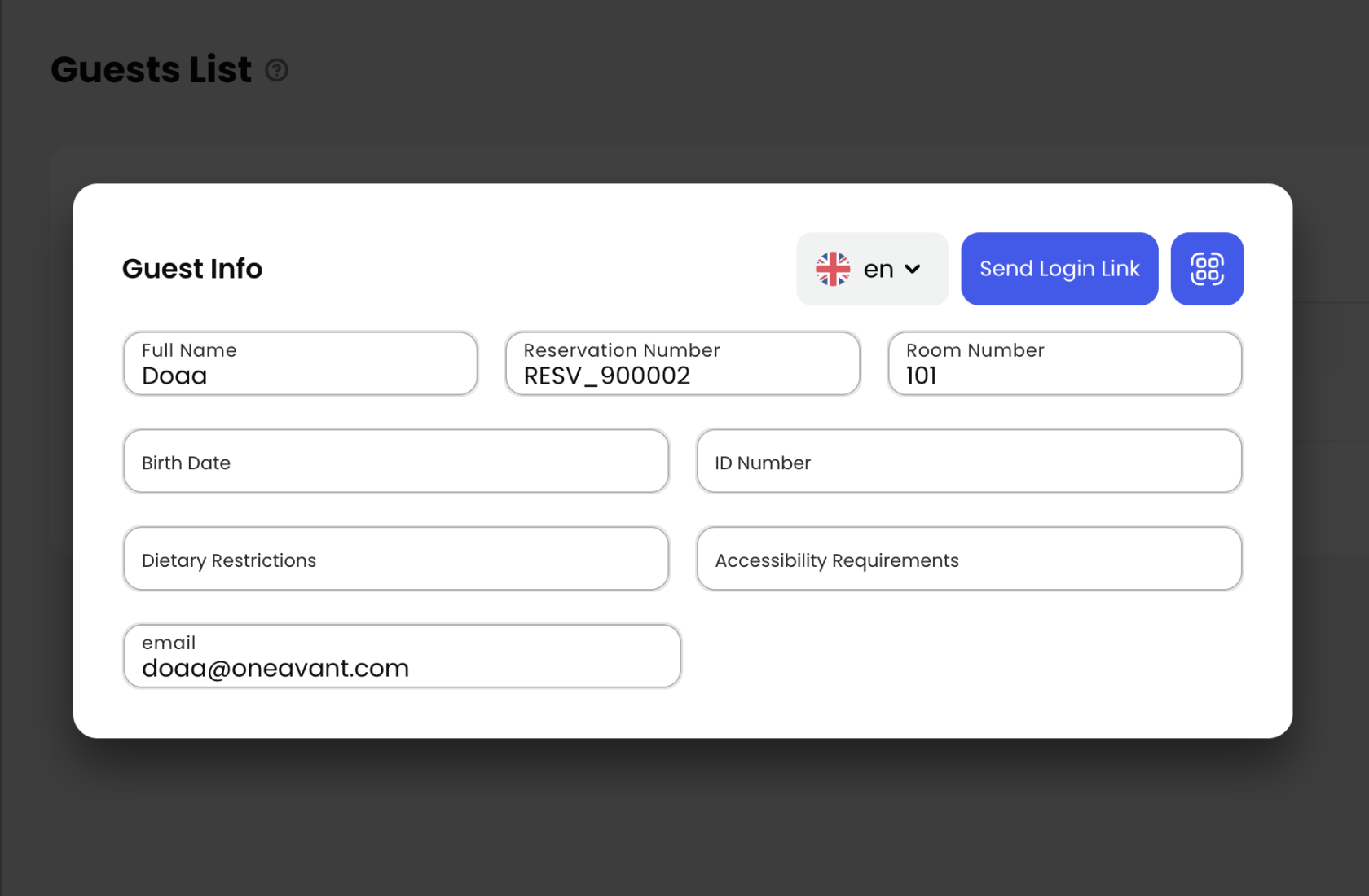
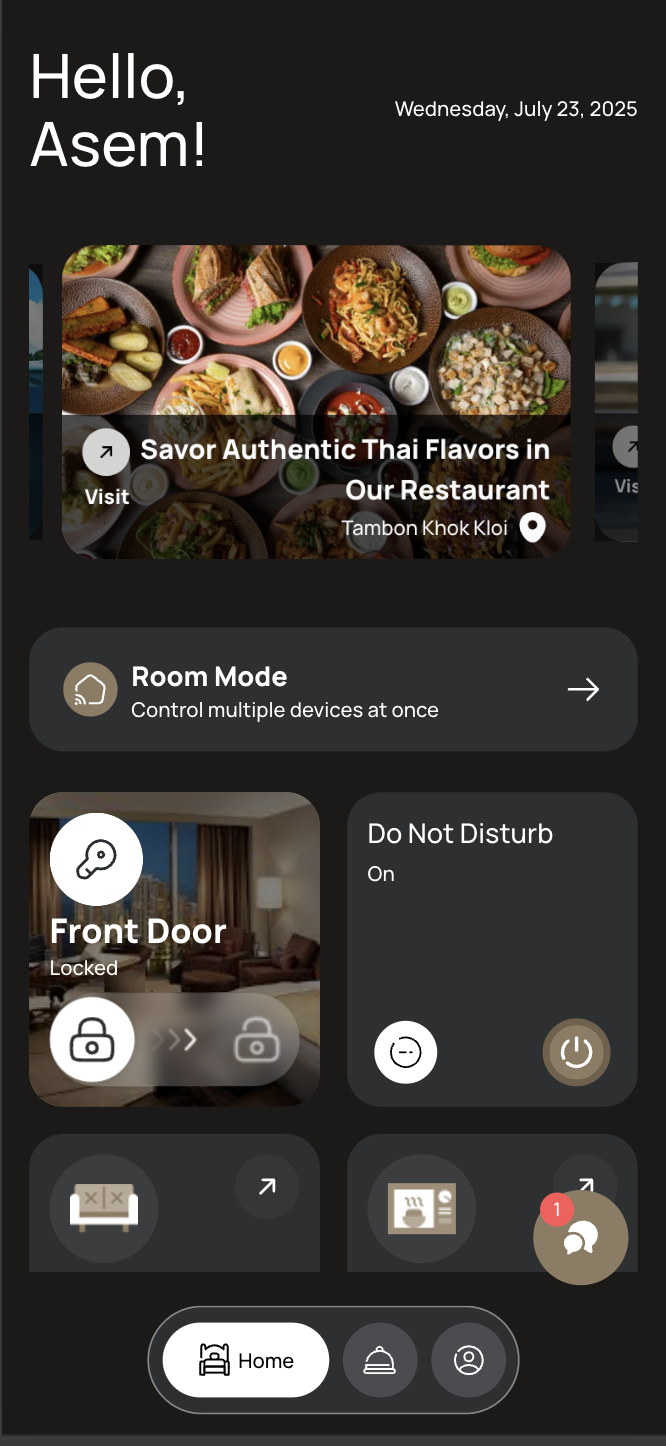
The next time this guest logs in, the Guest App will automatically appear in their selected language.
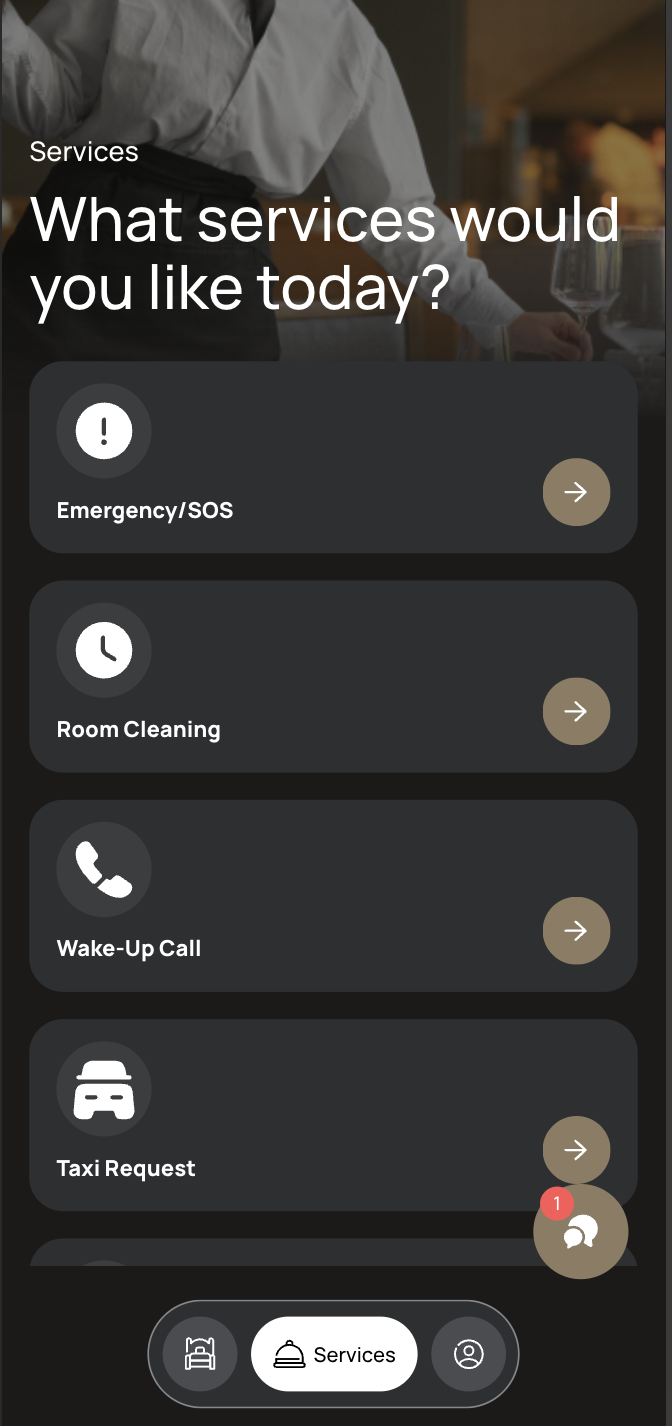
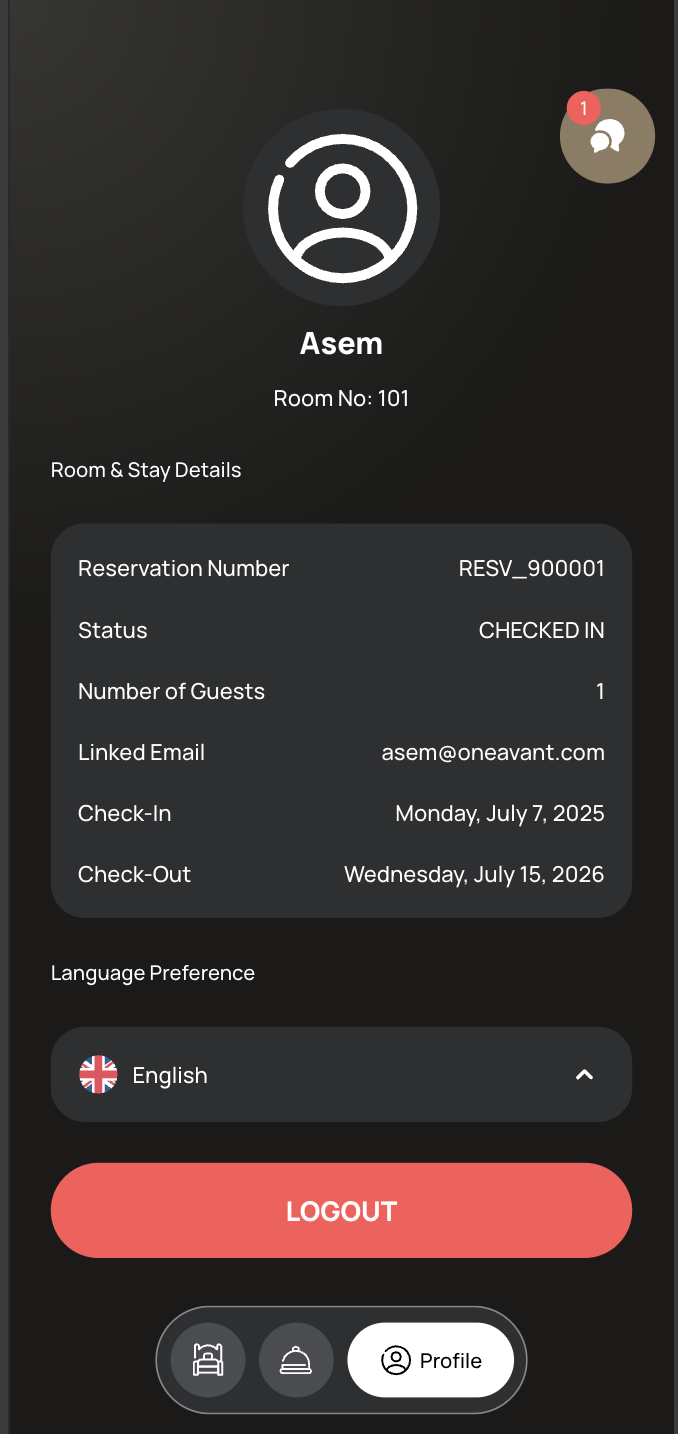
👤 Changing Language from the Guest App
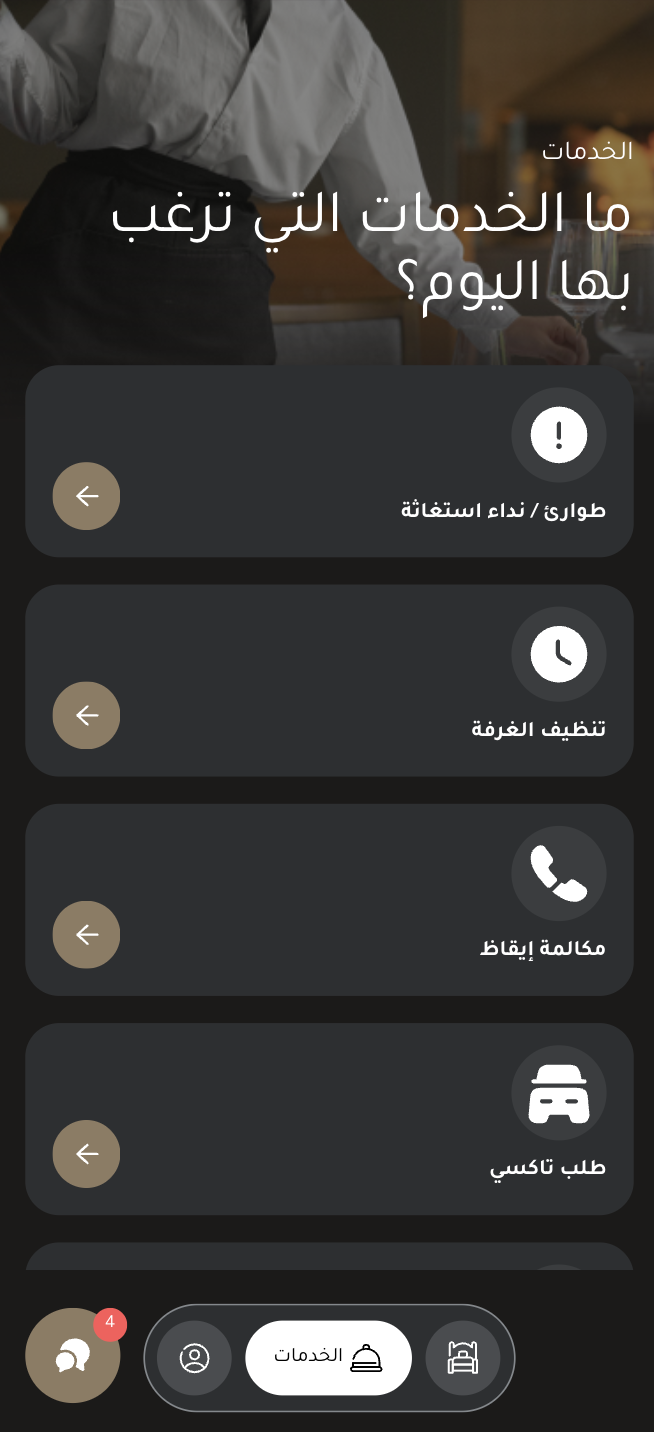
Guests can also change their language anytime from within the app:
-
Tap the Profile icon or navigate to the Profile page.
-
Click on the currently selected language displayed at the top.
-
A list of available languages will appear. Tap the one you prefer.

-
The app will instantly reload in the selected language.
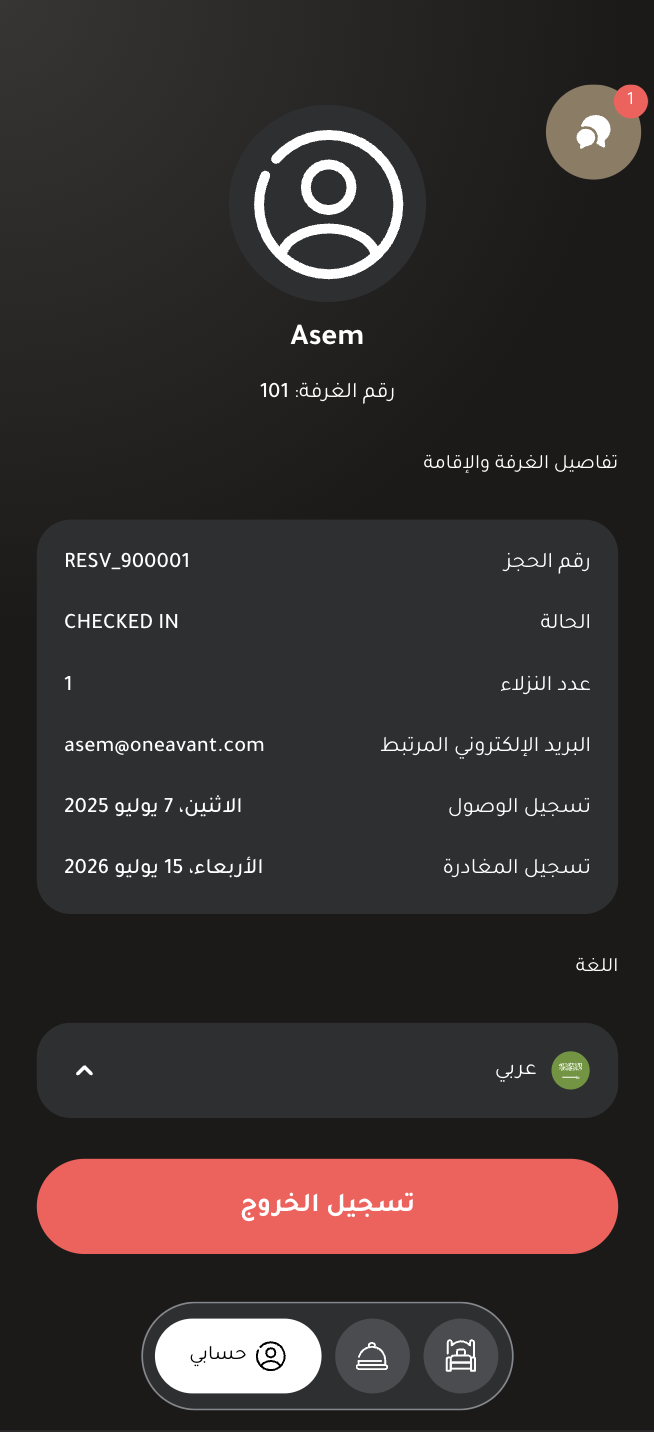
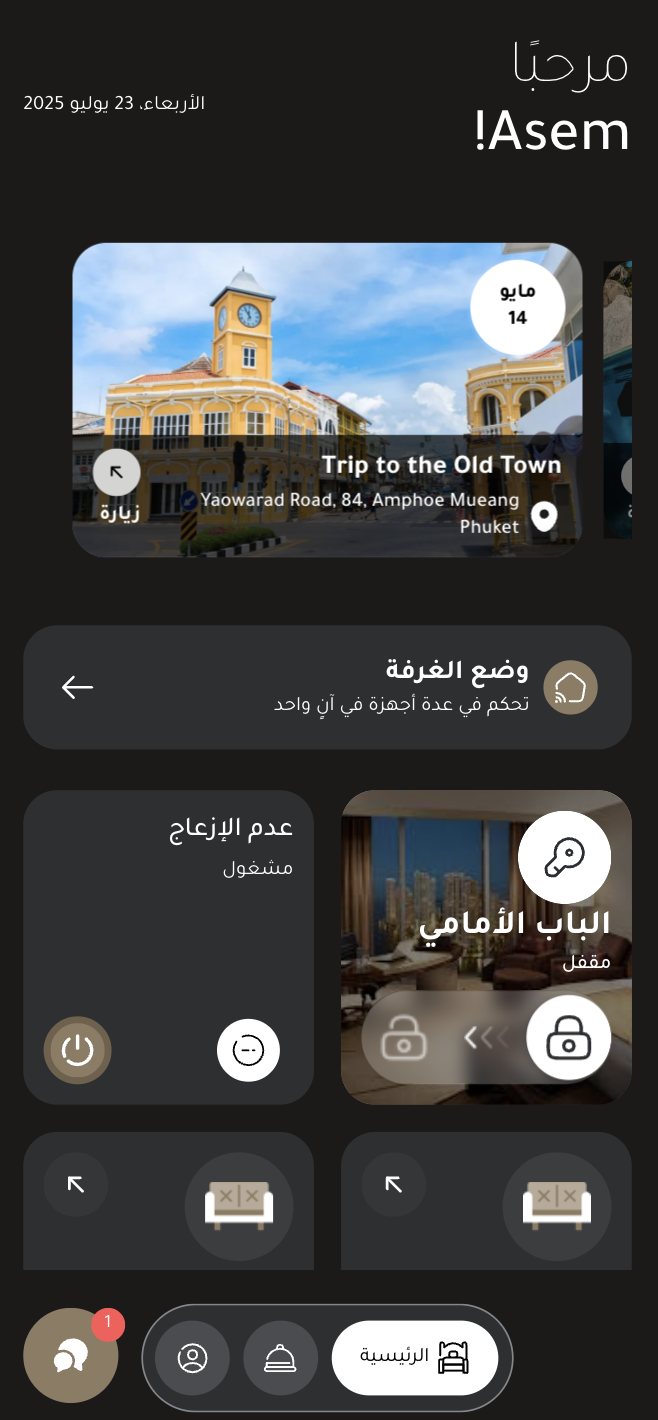
📱 Switching Language on the Tablet Room App
-
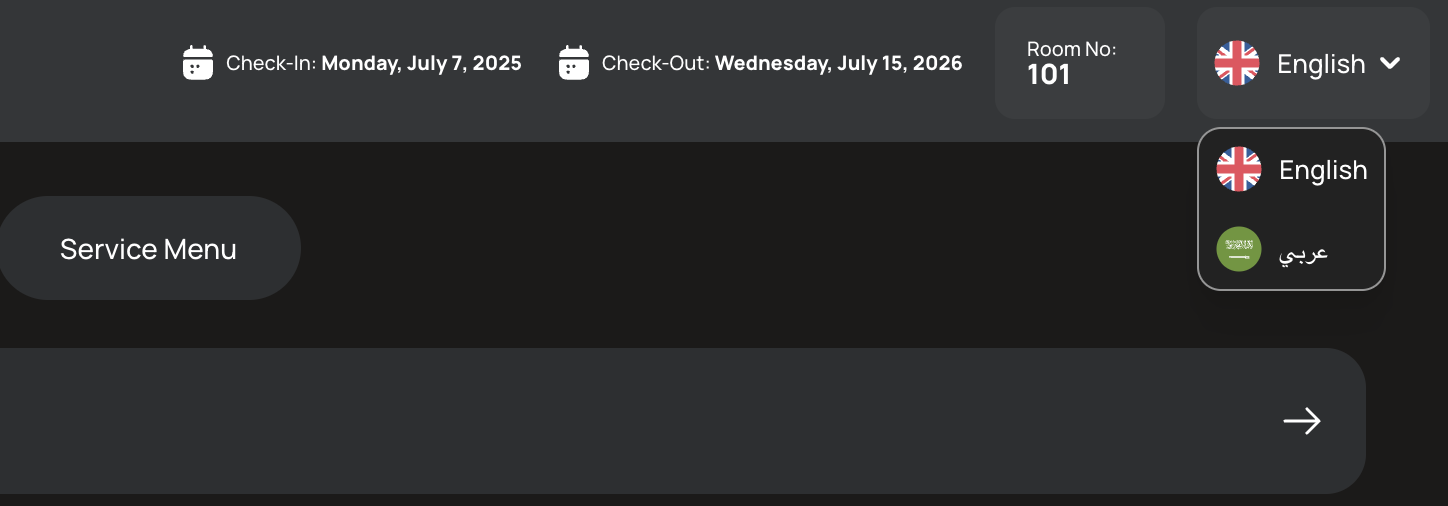
On the in-room tablet, open the Room Control App.
-
At the top of the screen, tap the Language Switcher in the header.

-
A list of available languages will appear.
-
Select the desired language from the list.
-
The entire Room Control App interface will update to reflect the selected language.
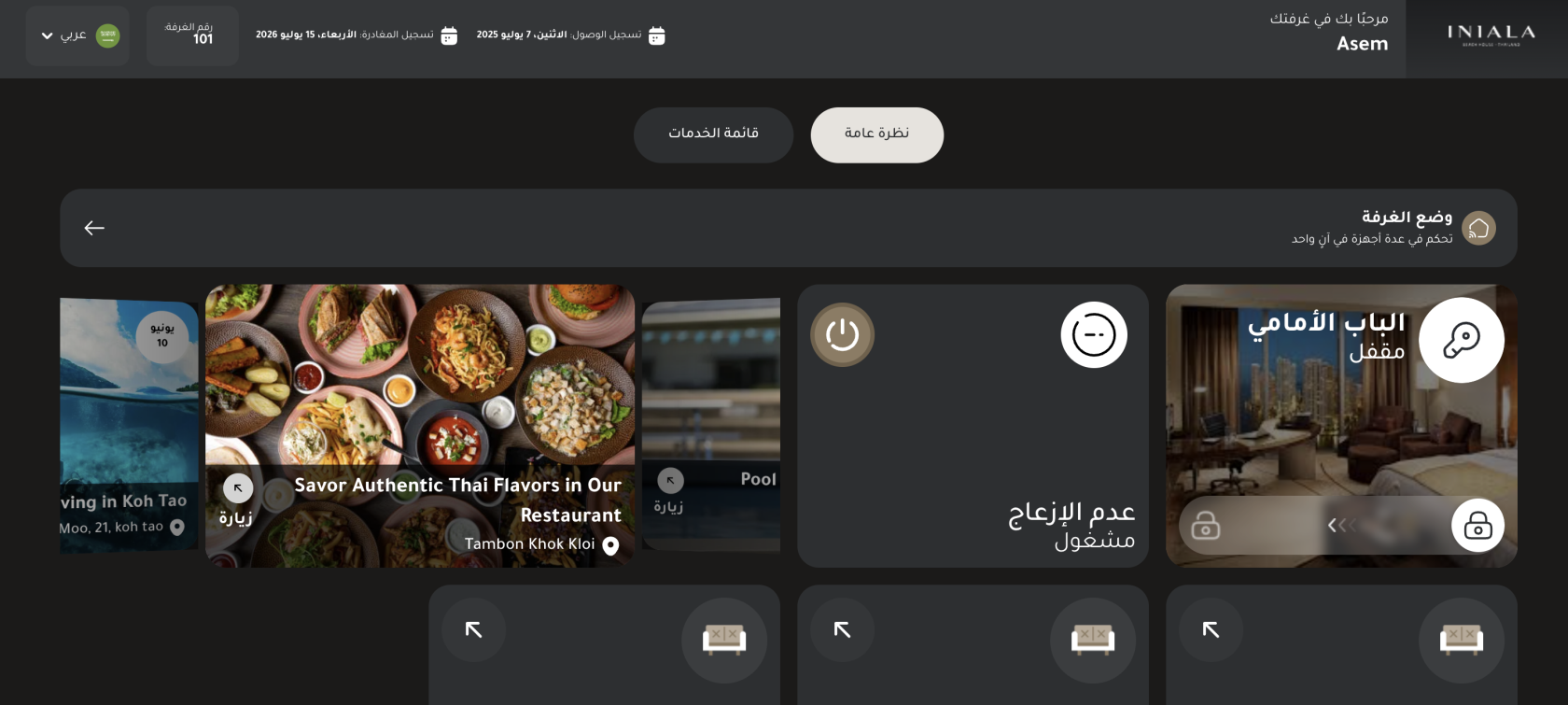
This feature ensures that international guests can navigate and control their room effortlessly, regardless of their native language.